Introduction
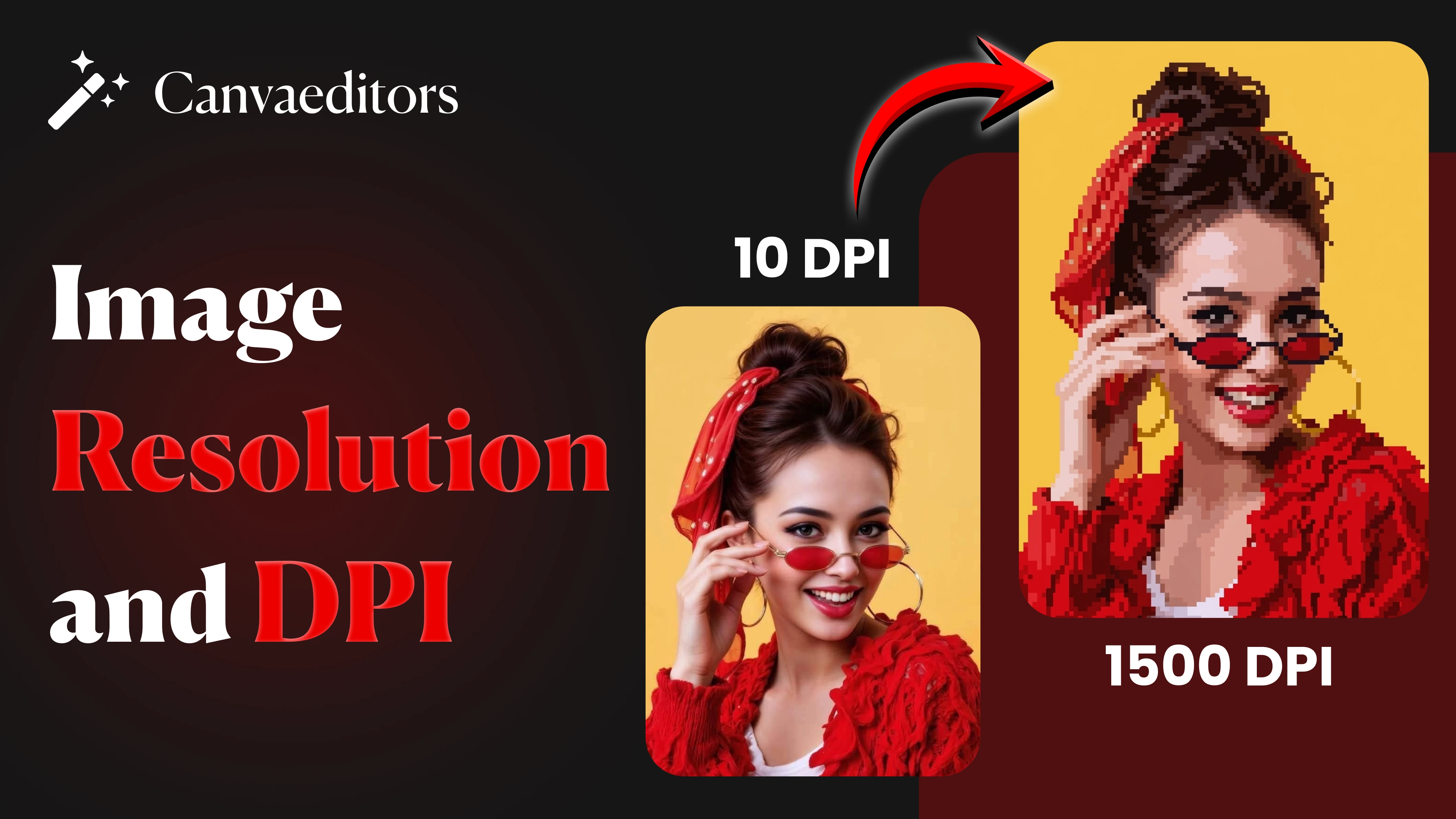
Have you ever had an experience where your screen displayed a good-quality image, but the printed copy looked blurred? Or have you put an image on your site that did not look as sharp as you'd expected? Common issues such as this are typically caused by a mistake in image, resolution, and DPI.
While on the surface the two terms may seem similar and are more often used, they are in fact two different things. Image resolution gives information on how the image is being displayed on a digital monitor, whereas DPI reflects how the image is made on paper. Mistaking the difference between these two ideas can result in substandard images, slow website performance, and poor print quality.
Becoming familiar with these topics is more than just knowing technical information; it is a practical skill for producing professional-quality images. Understanding how and when to use these ideas makes an important difference in all visual content, whether on your website, in social media, or in printed tutorials.
Key Takeaways from This Guide
- Know what image resolution means
- Learn what DPI is and how it works
- Know the difference between resolution and DPI
- Choose the correct settings for web and print use
- Avoid common errors that affect image quality
What Is Image Resolution?
Image resolution refers to the total number of pixels in an image. It is usually written as width × height, such as 1920 × 1080 or 1200 × 800. Each pixel means a tiny unit of color, and together they form the complete image.
The higher the number of pixels, the more information and the sharper the image will appear. On the other hand, images with fewer pixels may look blurry, but improve when growing. This is why resolution is so important for maintaining visual clarity.
However, high resolution also means a larger file size. This can affect website loading speed if it is not optimized properly. So, it is important to use the right plan based on where the image will be displayed.
Key Points – Image Resolution
- Measured in pixels
- Written as width × height (e.g., 1200 × 800)
- Higher resolution gives more detail and clarity
- Lower resolution may be ideal for blur
- High resolution improves file size
- Low resolution reduces file size
- Important for both digital and print use
- Must match the display size for best results
Simple understanding: More pixels = better detail, but larger file size
What Is DPI?
DPI (or dots per inch) is most commonly recognized as a unit used when printing, referring to the value of ink (or "dots") that print onto an inch of paper. The higher the DPI number, the sharper and clearer the printed image.
So if you have an image at 150 DPI and print that image at 300 DPI, you will have a totally larger number of dots or a much higher quality image printed because there will be double as many dots to create the same image.
DPI is important for any physical document, especially when you are talking about things like bills and photographs, since higher-quality prints will look much better than lower-quality prints.
It is important to note that DPI does not change the number of pixels in an image. It only works how those pixels are given out when printed. This means an image can look secure on screen, but even now print poorly if the DPI is too low.
Key Points – DPI
- DPI means dots per inch
- Used mainly for printing images
- Higher DPI results in sharper prints
- Lower DPI leads to less detailed prints
- Does not work with pixel size
- Standard print quality is 300 DPI
- Not important for websites
- Key for professional printing
Simple understanding: More dots per inch = better print quality
Difference Between Resolution and DPI
One of the most common mistakes is to take it that resolution and DPI are the same. While they are related, they serve some different purposes.
Resolution controls how detailed an image appears on a digital screen, while DPI controls how sharp the image appears when printed. Both are important, but they are used in different goods.
Digital platforms (websites, applications, and social media) rely heavily on image resolution due to the lack of detail in a printed image. When printing, both image resolution and DPI are important; therefore, they must be set right for the highest quality output.
The following points summarize the difference between resolution and DPI:
- Resolution is measured in pixels
- DPI is measured in dots per inch
- Digital images are measured only by their resolution
- Print images are measured by DPI and resolution
- Screen clarity is impacted by the resolution of the image
- Print sharpness is determined by the DPI of the image
- Websites only consider the image's resolution do not use DPI
- When printing, both the image's resolution and the image's DPI must be correct to make the highest possible quality design.
Fast comparison:
Resolution = image detail on screen
DPI = image sharpness in print
Best Resolution for Different Uses
Choosing the correct resolution depends on where the image will be used. Using too high a resolution can increase file size, while too low a resolution can ease image quality.
For websites and blogs, medium resolution images are usually enough to maintain clarity while keeping file size small. Social media platforms also need optimized image sizes to display correctly without compromising performance.
For printing, a higher resolution is needed to make sure the image looks sharp and professional.
Key Points – Recommended Resolution
- Blog images → around 1200 × 800
- Website banners → around 1920 × 1080
- Social media posts → around 1080 × 1080
- Thumbnails → around 300 × 300
- Logos → medium resolution for clarity
- Presentations → moderate resolution
- Print images → high resolution required
Using the correct resolution helps avoid blur and improves performance
Best DPI for Printing
DPI becomes important only when images are printed. If the DPI is too low, the printed image may appear unclear.
For most professional printing needs, 300 DPI is considered the standard. However, for large posters that are viewed from a distance, slightly lower DPI may still work.
For websites and digital use, DPI does not play any part, so you do not need to worry about it.
Key Points – Recommended DPI
- Standard printing → 300 DPI
- High-quality photo prints → 300 DPI
- Posters → 150–300 DPI
- Newspapers → around 150 DPI
- Websites and screens → DPI not needed
Focus on DPI only when printing images
When Resolution Is Important
Resolution plays a major role in digital content. It directly affects how your images look on different devices and screen sizes.
Key Points – When Resolution Matters
- Website images and banners
- Blog posts
- Social media content
- Mobile apps and UI design
- Product images for e-commerce
- Thumbnails and previews
Always balance the plan with the file size for best performance
When DPI Is Important
DPI is mainly relevant when images are printed physically.
Key Points – When DPI Matters
- Photo printing
- Posters and banners
- Notice and flyers
- Business cards
- Books and numbers
- Certificates and printed tutorials
For printing, both high plan and correct DPI are needed.
Common Mistakes to Avoid
Many image quality issues come from simple errors. Avoiding these can totally improve results.
Key Points – Common Mistakes
- Using low-resolution images for printing
- Uploading very large images to websites
- Confusing DPI with resolution
- Grow small images
- Not resizing images before use
- Using incorrect image sizes
- Not optimizing images for the web
- Saving images more times
Avoiding these errors ensures better quality images.
Conclusion
Image resolution and DPI may seem confusing at first, but once you know their roles, managing image quality becomes much easier.
Resolution sizes how clear and detailed an image looks on screens, while DPI controls how sharp it appears when printed. Both are important, but they are used in different situations.
For digital use, always focus on proper resolution and optimization. For printing, make sure both resolution and DPI are correctly set. By following these practices, you can ensure your images always look sharp, professional, and perfectly suited to their purpose.